Cloud Cost Optimization: A Practical FinOps Framework for Mid-Market Teams
A practical FinOps framework for finding cloud waste, assigning ownership, prioritizing optimization work and…

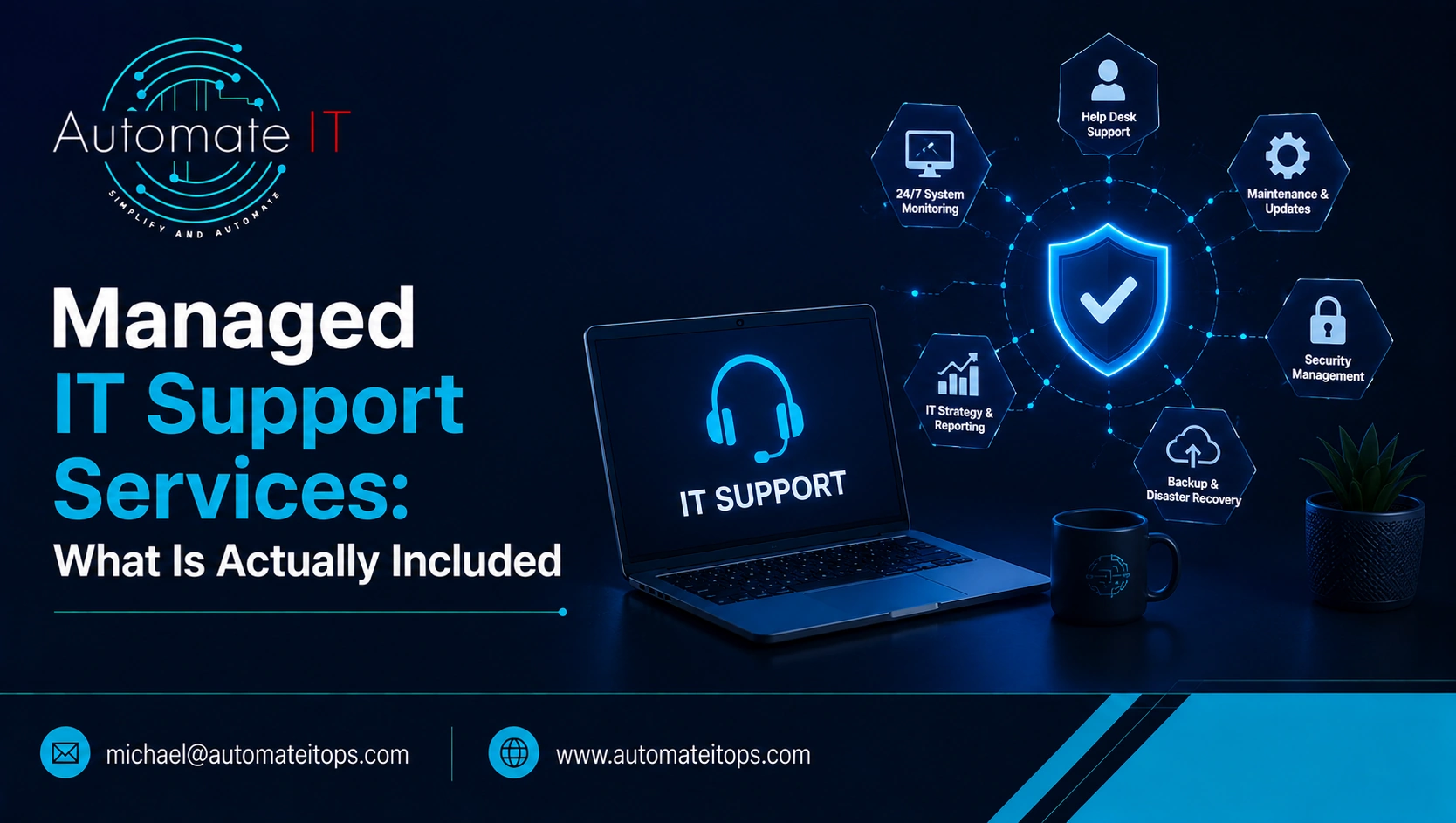
Managed IT support services cover the day-to-day running of an organization’s technology for a fixed monthly fee. This typically includes a help desk for users, monitoring of servers and networks, patch management, backup verification, antivirus and endpoint management, and user account administration.
This is distinct from break-fix support, where you pay by the hour or per incident when something fails. With a managed service, the provider’s work can include preventing recurring problems rather than simply responding after something goes wrong.
Scope varies between providers, so the proposal needs to define the service clearly. Common inclusions include:
If a proposal omits patch management, backup verification or account lifecycle management, it may not simply be a cheaper version of the same service. It may be a materially different scope of managed IT support services. The day-to-day IT support services included should be clear before you compare providers.
Managed support versus break-fix: Managed support uses a fixed monthly fee for defined ongoing work. Break-fix support charges per incident or per hour.
The exclusions can have as much impact on your first-year cost as the monthly fee itself.
For managed IT support services, exclusions can make two apparently similar agreements materially different in scope. A lower monthly price may reflect fewer services, separate project charges, or additional costs for work outside standard coverage.
| Commonly excluded | Why | What to ask |
|---|---|---|
| Project work | Migrations and rollouts may be scoped separately | What counts as a project rather than support? |
| Hardware and licensing | These may be procured separately or passed through | Is procurement handled, and at what margin? |
| Onsite attendance | Some providers charge separately for hands-on work | What is the rate and response expectation? |
| After-hours work | Standard agreements may have defined coverage hours | What are the actual coverage hours? |
| Third-party vendor management | Liaising with software vendors may sit outside scope | Who contacts the application vendor when it breaks? |
| Pre-existing remediation | Existing problems may require separate work | Is remediation included or quoted separately? |
Pre-existing remediation deserves particular attention. An environment with years of deferred maintenance can require more work to bring under management. That should be identified during assessment rather than discovered after signing.
Both types of providers may describe themselves as proactive. The useful distinction is what happens after a problem is detected.
What happens in the first five minutes after an alert? If the answer is simply that a ticket is created and placed in a queue, you may be looking at reactive support with monitoring attached. When evaluating a managed support provider, ask what actions happen automatically, what requires human intervention, and how recurring issues are handled.
| Icon | Reactive behaviour | Proactive equivalent |
|---|---|---|
| Bell | Alert creates a ticket for a person | Failure type is already mapped and can be resolved automatically where a playbook exists |
| Clock | Issues are found when a user reports them | Issues can be identified and resolved before users notice |
| Repeat | The same problem recurs | Recurring causes are investigated and removed |
| File | Reports primarily list tickets closed | Reports identify infrastructure gaps and what changed |
| Tool | Patching happens when there is time | Patching follows a defined schedule with current state evidenced |
| Hard drive | Backups are reported as successful | Restores are actually tested and dated |
The recurring-problem row is particularly useful over time. If the same issue appears every month, the question is whether the provider is fixing the symptom or addressing the underlying cause.
CISA guidance for organizations working with managed providers emphasizes documenting responsibilities between the parties. That turns assumptions about proactive support into clearer operational expectations.
Many providers use a tiered support model. Understanding the tiers helps you interpret response expectations and determine where an issue will actually be handled.
A useful question is what percentage of issues are resolved at Tier 1. A high percentage can indicate an effective first-line operation, while a lower percentage may point to escalation bottlenecks.
Security incidents should have a separately agreed escalation path because they can require different authority and response procedures from ordinary IT faults.
Automation can change the model further. If recurring failures can be handled by an established playbook, they may never need to enter the human support tiers at all. Over time, that can help reduce repetitive ticket volume.
It depends on the coverage and expertise your organization needs.
One internal hire adds capacity during the hours that person works. A single employee does not, by themselves, provide continuous coverage because someone cannot staff a full weekly rota alone.
The comparison should therefore consider more than salary:
An internal employee can have a significant advantage in business context. They know your applications, people and priorities. That is one reason a Co-Managed IT Services model can make sense: retain internal knowledge while adding external capacity and specialist support.
The important comparison is not simply employee cost versus monthly provider cost. It is the combination of coverage, breadth, continuity, escalation and organizational context.
Client environment: A leading German hydraulics manufacturer.
Problem: Service-management turnaround averaged 9 hours.
Solution: The process was mapped over a period of manual handling and then automated.
Result: Turnaround was reduced to 47 minutes with no additional resources.
This evidences service-management improvement through automation in a manufacturing environment. It is evidence of method rather than a directly comparable managed IT support engagement for a specific sector.
Break-fix support charges per incident or per hour when something fails. Managed IT support uses a fixed monthly fee for defined ongoing work. The key difference is that a managed service can include preventative maintenance and proactive monitoring rather than focusing only on problems after they occur.
Usually, hardware is handled separately from the core monthly support fee. It may be procured directly by the customer or passed through by the provider. Ask specifically whether procurement is included and how hardware costs are handled.
Projects such as migrations, office moves and system rollouts are commonly scoped separately from the monthly support agreement. Before signing, ask exactly where the boundary sits between ongoing support and project work.
There is no single response time that applies to every managed service. The agreement should define response expectations by priority, together with coverage hours and escalation procedures.
No. Coverage depends on the service agreement. Some providers offer business-hours support, some offer extended coverage, and others offer 24/7 operations. Confirm the actual staffed coverage rather than assuming that monitoring automatically means round-the-clock response.
Compare the complete scope rather than the headline monthly fee. Look at inclusions, exclusions, coverage hours, response commitments, escalation, proactive maintenance, project charges, onsite rates and what evidence appears in the monthly report. When comparing managed IT support services, focus on the complete operating model rather than the monthly price alone.
Handpicked IT operations, cybersecurity, and cloud architecture guides from our engineering team.
A practical FinOps framework for finding cloud waste, assigning ownership, prioritizing optimization work and…
How ZTNA differs from a traditional VPN, which risks it reduces, and how mid-market…

